
Automate Your WhatsApp Workflows: Connecting Botse with viaSocket
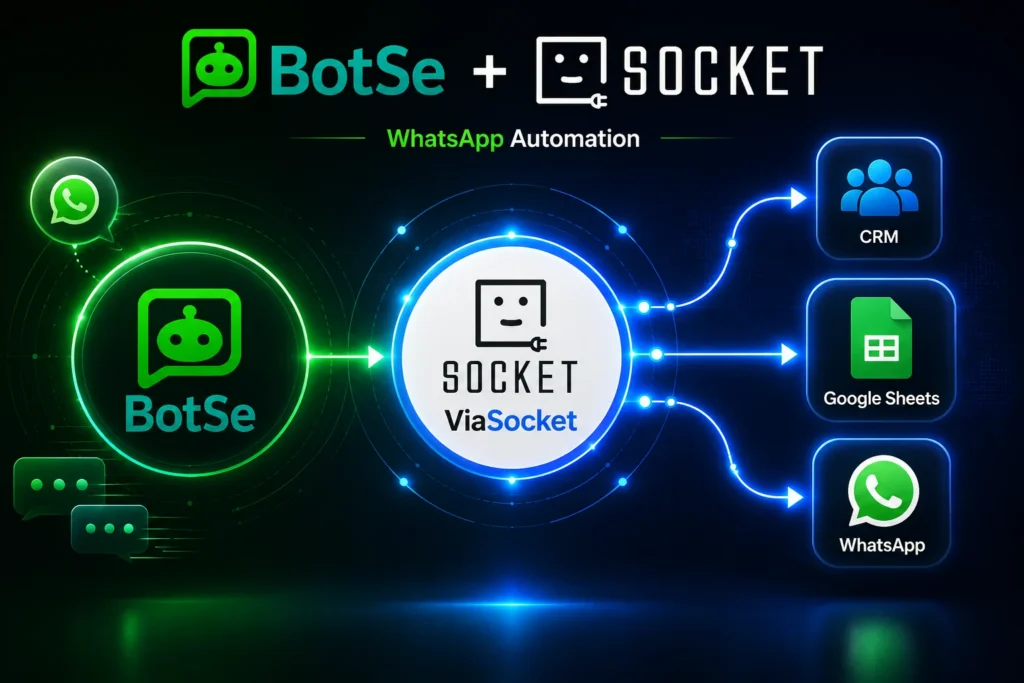
If you’re running WhatsApp broadcasts, automated replies, or sales conversations through Botse, you already know how much manual work sits around the messaging itself. Someone has to pull the lead list, update the CRM after a reply, log the sale, and trigger the next campaign. None of that is WhatsApp’s job, and none of it should eat your day.
This is where viaSocket comes in. It connects Botse to the other tools your team already uses, so data moves on its own instead of getting copy-pasted between tabs.
Why WhatsApp automation needs to talk to your other apps
WhatsApp has become the default channel for a huge share of business communication. Meta has said that more than a billion people message a business on WhatsApp every week, and that number keeps climbing as more companies move sales and support there (Meta for Business). Botse gives you the tools to broadcast, automate, engage, and sell on top of the official WhatsApp Business API. But once a conversation ends, what happens to that data?
In most setups, nothing happens automatically. A new lead replies “interested” and a rep has to manually add them to the CRM. A customer completes a purchase over chat and someone updates the spreadsheet by hand. Multiply that across hundreds of conversations a week and you’ve got a team spending hours on work a workflow could do in seconds.
It’s not that teams don’t know this is a problem. It’s that fixing it usually meant hiring a developer to write custom API integrations, which is slow and expensive for something as simple as “move this data from A to B when C happens.” That’s the piece that’s changed. Connecting Botse to your CRM, sheets, helpdesk, or e-commerce platform through viaSocket closes that gap without needing anyone on your team to touch a line of code.
The result is a WhatsApp channel that behaves less like an island and more like a plugged-in part of your existing sales and support process. Every reply, order, or lead that comes through Botse can feed straight into whatever system your team already lives in.
What viaSocket actually does for Botse users
viaSocket is a workflow automation platform. Think of it as the layer that sits between Botse and everything else, watching for triggers in one app and firing actions in another.
Connecting Botse to viaSocket
Setting up the connection doesn’t require a developer. You pick a trigger inside Botse, such as a new incoming message, a broadcast reply, or a completed order, and pick what should happen next in a different app. viaSocket handles the API calls, formatting, and error handling behind the scenes through its automations library of pre-built workflow templates.
What you can actually build
Once Botse and another app are linked, the possibilities stack up fast. A few examples:
- A new WhatsApp lead automatically becomes a contact in your CRM, tagged with the source campaign
- A customer’s order confirmation on WhatsApp updates your inventory sheet in real time
- A support ticket opened in your helpdesk triggers a WhatsApp message from Botse letting the customer know it’s been received
- A Google Sheet full of new signups feeds directly into a Botse broadcast list, no manual upload needed
None of these require custom code. They run quietly in the background once you’ve set them up.
A quick look at where the manual work disappears
| Task | Without automation | With Botse + viaSocket |
| Adding new WhatsApp leads to CRM | Manual entry after each chat | Auto-synced the moment a reply comes in |
| Updating order status | Rep checks chat, updates sheet | Sheet updates automatically on order event |
| Sending follow-up broadcasts | Exported list, manual upload | List pulled and broadcast triggered automatically |
| Logging support requests | Copy chat details into helpdesk | Ticket created and confirmation sent instantly |
The pattern is the same every time. Something happens in one app, and the next step happens on its own instead of waiting for a human to notice it.
Automation ideas worth setting up first
If you’re new to this, don’t try to automate everything at once. Start with whichever manual task annoys your team the most. A few good starting points:
- Route WhatsApp leads straight into your CRM pipeline stage based on keywords in their reply
- Trigger a personalized WhatsApp message when someone abandons a cart on your store
- Sync completed sales from Botse into your accounting or invoicing tool
- Alert your team on Slack whenever a high-value customer messages in
- Pull event RSVPs from a form into a Botse broadcast segment automatically
Each of these saves a small chunk of time on its own. Stack a few together and you’ve effectively hired a very patient, very fast assistant who never forgets a step.
Setting up your first flow
Getting started is a short process:
- Sign in to viaSocket and search for the Botse integration in the app directory.
- Choose a trigger from Botse, like “new message received” or “broadcast reply.”
- Pick the app you want to send that data to, whether it’s a CRM, spreadsheet, or helpdesk.
- Map the fields, so a name in Botse lands in the right column or field on the other end.
- Turn the flow on and send a test message to confirm it fires correctly.
Most flows take under ten minutes to set up the first time, and less after that once you know the pattern. Once it’s live, leave it running for a week before you touch it again. That gives you enough real data to see whether the trigger conditions are catching what you actually want, or whether they need tightening.
A common mistake is trying to automate a process that’s still changing. If your team hasn’t settled on how leads should move through the pipeline, wait until that’s stable before wiring it into a flow. Automating a broken process just makes the broken process run faster. If you want to see the full range of what’s possible once your process is solid, viaSocket’s features page covers the building blocks in more depth.
No. The connection is built through a visual interface where you pick triggers and actions from dropdown menus. Field mapping is drag-and-drop.
No, the opposite. Automated actions fire within seconds of the trigger event, which is usually faster than a person switching between apps manually.
Yes. You can trigger a Botse broadcast based on an event in another app, such as a new row appearing in a spreadsheet or a tag being added in your CRM.
viaSocket logs each run, so you can see exactly where a flow stopped and why, then fix the mapping or trigger condition without losing the rest of your setup.
The bigger point
WhatsApp automation isn’t just about sending messages faster. It’s about making sure the information inside those conversations actually reaches the rest of your business without someone having to carry it there by hand. Botse handles the conversation. viaSocket handles making sure that conversation talks to everything else.
Once the first flow is running, it’s hard to imagine going back to copying names between tabs.
